|
I have always had a problem with QuickTime
VR. The narrow focus on a sliver of view taken out of a spinning
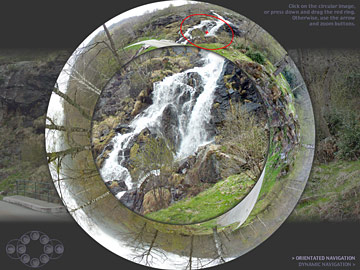
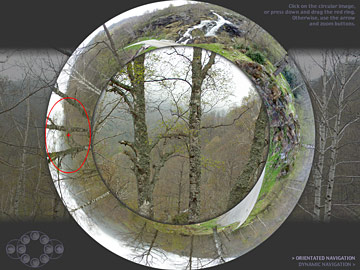
360° band disorientates me. In this picture I have tried
to create an interface which combines a view of the entire
image, as an anamorphosed peripheral ring, and that displays
the current view in the centre. The red circle on the periphery
indicates the fraction of the 360° view which is currently
visible. You can explore the picture either comprehensively,
by using the arrow and zoom navigational tools, or intuitively,
by manipulating the red ring. You can either drag it around
to reach what you wish to view, or click at your destination
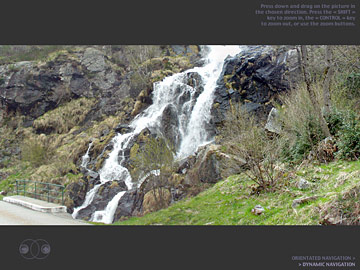
to jump there. You can choose between this orientated mode,
and dynmaic navigation, which corresponds to QuickTime VR's
normal way of functioning.
|